How to Review a Permission an AI Just Added in ASP.NET Zero
AI can write an Application Service in seconds. Review the permission first: definition, host vs tenant, role grants, and whether the scope is too broad to merge.
Read more →
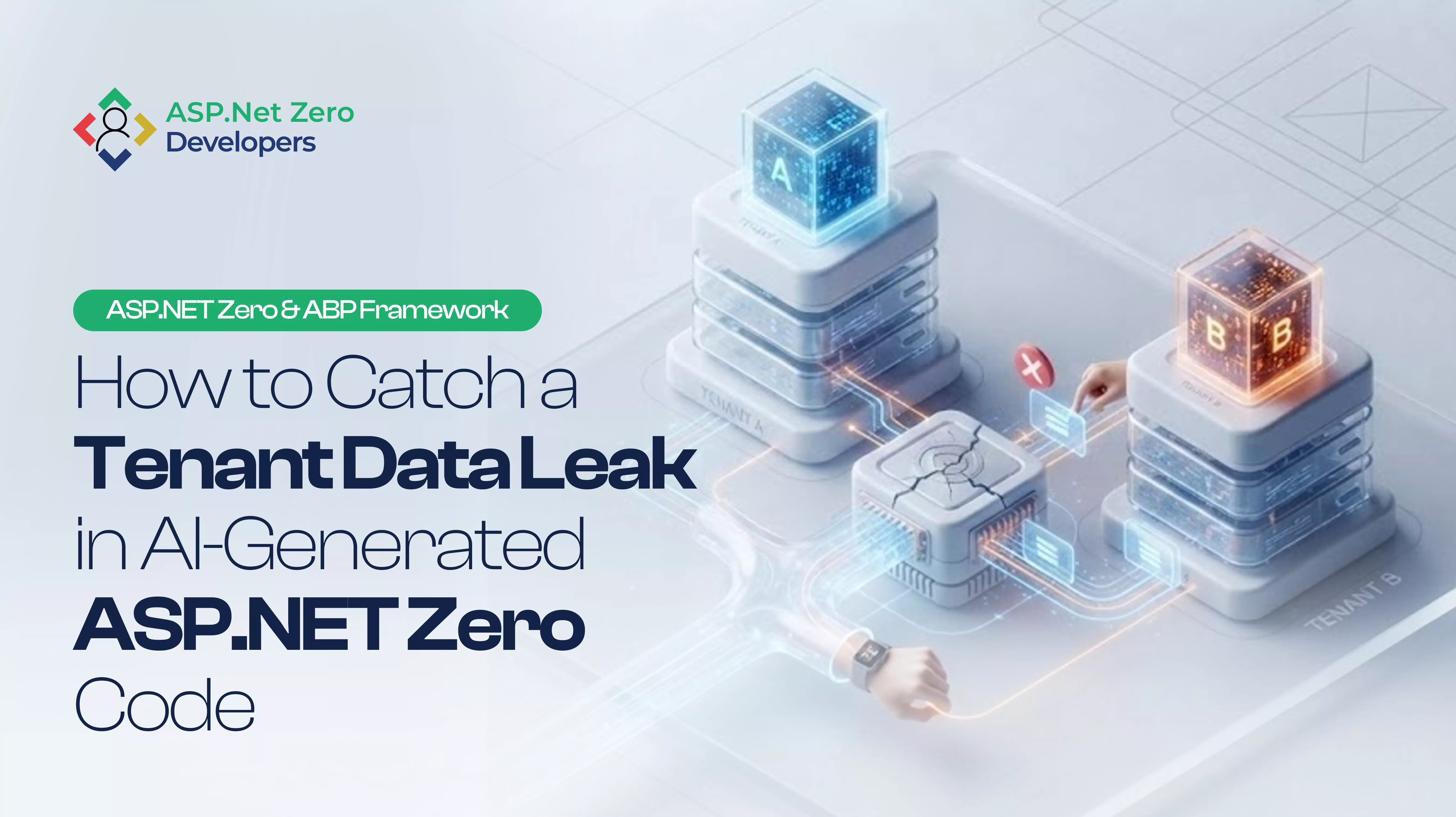
One tenant should never see another tenant’s data. But will your AI-generated ASP.NET Zero code keep that promise?
Copilot can generate an ASP.NET Zero AppService in seconds.
The query can compile.
The page can load.
The test can pass.
And Tenant B can still end up seeing data that belongs to Tenant A.
That is the problem with reviewing AI-generated code in a multi-tenant application. The failure does not always look like a crash or an obvious security error. Sometimes the application simply returns the wrong rows.
For an ASP.NET Zero multi-tenant application, that is a serious boundary to review.
This guide focuses on tenant data isolation, the common mistakes that appear in AI-generated ASP.NET Zero code, and the practical checks to run before merging the change.
Last week, we looked at what happens when AI creates an ASP.NET Zero permission that nobody reviews. This time the focus moves one layer deeper:
A correct permission does not help if the data boundary is wrong.
Multi-tenancy allows one application to serve multiple customers while keeping their users, settings, and data separated.
In ASP.NET Zero and ABP Framework, tenant-aware entities can use IMultiTenant and the framework’s multi-tenancy infrastructure to apply the current tenant context when querying data. ABP also supports different database approaches including shared databases, separate databases, and hybrid models.
That means you should not automatically assume every query needs a manually written:
.Where(x => x.TenantId == ...)
The more important question is:
Did the AI-generated code preserve the framework’s tenant isolation model?
That is where the review starts. We made a related point for generated CRUD in How to Use ASP.NET Zero Power Tools Without Breaking Multi-Tenancy: pretty code is not the test. Tenant B still has to fail.
Default is usually the easiest environment to test.
The records are there.
The user is familiar.
The screen behaves as expected.
So the AppService looks healthy.
But a multi-tenant application has another question:
What happens when a completely different tenant makes the same request?
A tenant isolation problem may not throw an exception.
It may return HTTP 200.
The response may look perfectly valid.
The problem is that the records belong to somebody else.
That is why a successful test is not necessarily a successful multi-tenant security test.
ABP is designed to make multi-tenancy work across the application infrastructure. But custom code can still bypass the intended behavior.
Look for code that:
The code may still look clean.
That is what makes this worth reviewing. ABP’s data-filtering docs are still the law here: DisableFilter is a loaded gun.
If the data should belong to a tenant, check whether the entity and its relationships follow the application’s multi-tenancy design.
ABP’s IMultiTenant interface provides the standard TenantId property and enables the framework’s tenant-aware filtering behavior.
If the AI created a new entity and skipped that relationship, the problem may start before the AppService query even runs.
A host administrator and a tenant user do not represent the same security boundary.
Host operations may legitimately work across tenants.
Tenant operations normally should not.
ABP explicitly distinguishes the Host from the Tenant in its multi-tenancy model.
So when reviewing an AI-generated AppService, ask:
Who is supposed to call this method, and whose data is it supposed to see?
That question often exposes problems faster than reading the method line by line.
This one is easy to miss.
The AI may correctly hide a menu item or page for a user.
That does not automatically prove the underlying AppService is safe.
A user does not need your button to exist before they can attempt to call an API.
The server-side operation still needs the correct authorization and tenant boundaries.
ASP.NET Zero provides user, role, and permission-based authorization, but authorization and tenant isolation solve different problems.
Permission answers: “Can this user perform this operation?”
Tenant isolation answers: “Which tenant’s data can this operation touch?”
You need both. That is why last week’s permission review and this week’s data-boundary review belong in the same pull request.
This is the test I would not skip.
Create or use two tenants:
Tenant A
Tenant B
Then check more than the screen.
Test:
You are looking for one simple result:
Tenant B should never receive Tenant A’s tenant-owned data.
This matters even more in shared-database SaaS architectures because multiple tenants can occupy the same underlying database while the application is responsible for maintaining their logical isolation. When AI work runs in Hangfire, keep the same rule: restore tenant context in the job. See How to Run AI Actions in ASP.NET Zero with Background Jobs and Hangfire.
When reviewing AI-generated ASP.NET Zero code, I would use this order:
Start with the entity and repository.
Ask where the tenant relationship is defined.
Understand whether this AppService is running as a tenant operation or a host operation.
Search for filter disabling, raw SQL, direct database access, unusual repository calls, or manual tenant switching.
Do not stop after the Default tenant works.
Use a second tenant with different records.
Only after checking the data boundary should you review whether the right roles and permissions can call the operation.
A tenant leak is not limited to GetAll.
An incorrectly scoped update or delete can be even worse.
Paste this into the pull request when reviewing AI-heavy changes:
No.
The problem is not that AI writes code.
The problem is assuming generated code understands the security boundaries of your application.
AI can recognize a familiar repository pattern.
It may not know why your application uses that pattern.
It may generate a perfectly reasonable-looking query that interacts badly with a tenant filter, a host operation, a background job, or a custom data-access path. That is the same warning we gave for Copilot on ASP.NET Zero: fast code still has to pass your filters.
That is why AI-generated code needs a different kind of review.
Not just:
“Does this work?”
But:
“Who can see what when this works?”
Tenant data isolation is the set of controls that prevent one customer or tenant in a multi-tenant application from accessing another tenant’s resources or data.
This is a fundamental concern in SaaS applications because multiple customers may share the same application or infrastructure.
Yes. ASP.NET Zero is designed for multi-tenant applications and supports tenant management, tenant-specific data, and different database strategies.
For entities implementing IMultiTenant, ABP Framework can automatically apply tenant filtering based on the current tenant context.
That does not mean you can skip code review. Custom queries, filter bypasses, host operations, raw SQL, and other application-specific logic can still affect the security boundary.
No.
A user can be correctly authenticated and still access resources belonging to another tenant if tenant isolation is not correctly enforced. Authentication, authorization, and tenant isolation address different parts of the security model.
No.
Ban unreviewed merges instead.
AI can speed up implementation. The responsibility for verifying tenant boundaries still belongs to the engineering team.
ASP.NET Zero multi-tenancy is not proven by a working screen.
It is proven when the right tenant gets the right data.
AI can generate the AppService. It can generate the repository call. It can even generate the tests.
But before the code reaches production, switch the tenant.
Use different data.
Call the same API.
Then check what comes back.
Because the most dangerous multi-tenant bug is not the one that crashes the application.
It is the one that returns a perfectly valid response to the wrong customer.
When your AI assistant writes the next AppService, don’t just test whether it works. Test whose data it can see.
AI-assisted development can accelerate ASP.NET Zero delivery, but tenant isolation, authorization, and multi-tenant SaaS architecture still need careful engineering review.
If your team is building or modernizing an ASP.NET Zero application and needs experienced ASP.NET Zero developers, our dedicated development team can help with application development, AI integration, authorization, and ongoing modernization. Get in touch, or start with Development from Zero.
Sources: ABP, Multi-tenancy accessed 2026-10-05; ABP, Data filtering accessed 2026-10-05; ASP.NET Zero, Multi-tenancy accessed 2026-10-05.
Get In Touch
Hire ASP.Net Zero Application Developers that will provide the perfect solution to your business issues. Our technical experts will provide you with a free consultation.
AI can write an Application Service in seconds. Review the permission first: definition, host vs tenant, role grants, and whether the scope is too broad to merge.
Read more →
AI can generate an answer in seconds. Your HTTP request should not wait for it. Queue the work as an ASP.NET Zero background job, run it with Hangfire, keep tenant context, and notify Angular over SignalR.
Read more →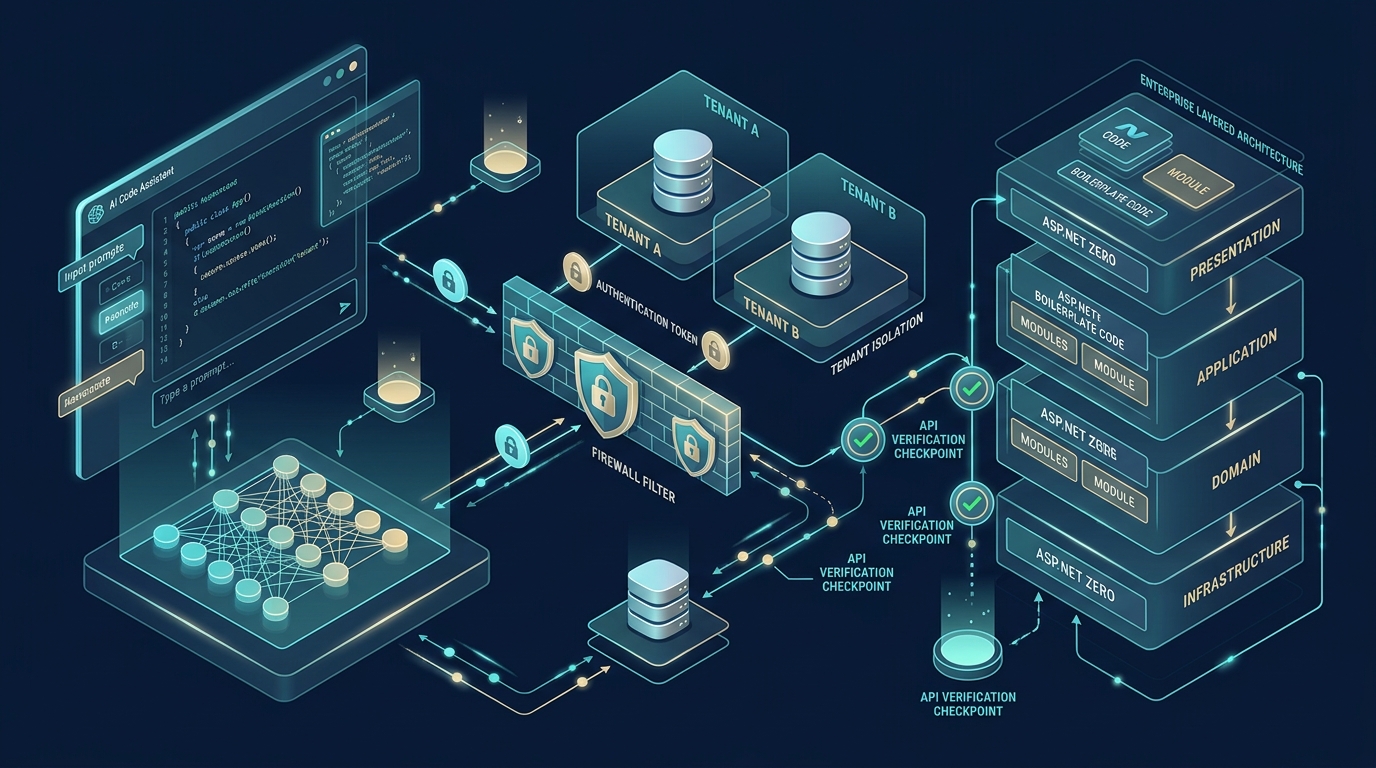
How to use Copilot on ASP.NET Zero without inventing login: v15.2 AI skills, tenant filters, and a Tenant B smoke test. Fast code still has to pass your permissions.
Read more →