Artificial Intelligence is rapidly becoming a core capability in modern enterprise software. From intelligent assistants and document summarization to workflow automation and Retrieval-Augmented Generation (RAG), organizations are looking for practical ways to embed AI into their business applications.
Search for "How to integrate AI into ASP.NET Core", and you'll find countless tutorials demonstrating how to call an LLM by placing an API key inside a controller.
While those examples are useful for learning, they don't address the realities of enterprise software.
Search for "AI in ASP.NET Zero" or "ABP Framework AI integration", and you'll find very little guidance tailored to applications built with multi-tenancy, modular architecture, authorization, audit logging, and background processing.
That's because integrating AI into an enterprise application is not simply an API integration problem.
It's an architectural challenge.
This guide explores how to design AI-native features for ASP.NET Zero applications while following ABP Framework best practices and maintaining production-grade standards.
Why Generic ASP.NET Core AI Tutorials Don't Scale
Most AI tutorials follow a simple pattern:
- Accept user input.
- Send a prompt to an LLM.
- Return the generated response.
That workflow works for small demos.
Enterprise applications require significantly more consideration.
ASP.NET Zero provides features such as:
- Multi-tenancy
- Role-based authorization
- Entity Framework Core repositories
- Domain-driven architecture
- Background Jobs
- Unit of Work
- Audit Logging
- Dependency Injection
- Setting Management
Your AI implementation should extend these capabilities rather than bypass them.
Three Critical Challenges When Adding AI to ASP.NET Zero
1. Protecting Multi-Tenant Data
Tenant isolation is one of ASP.NET Zero's most important security features.
Entity Framework Core repositories automatically apply tenant filters using interfaces such as IMustHaveTenant and IMayHaveTenant.
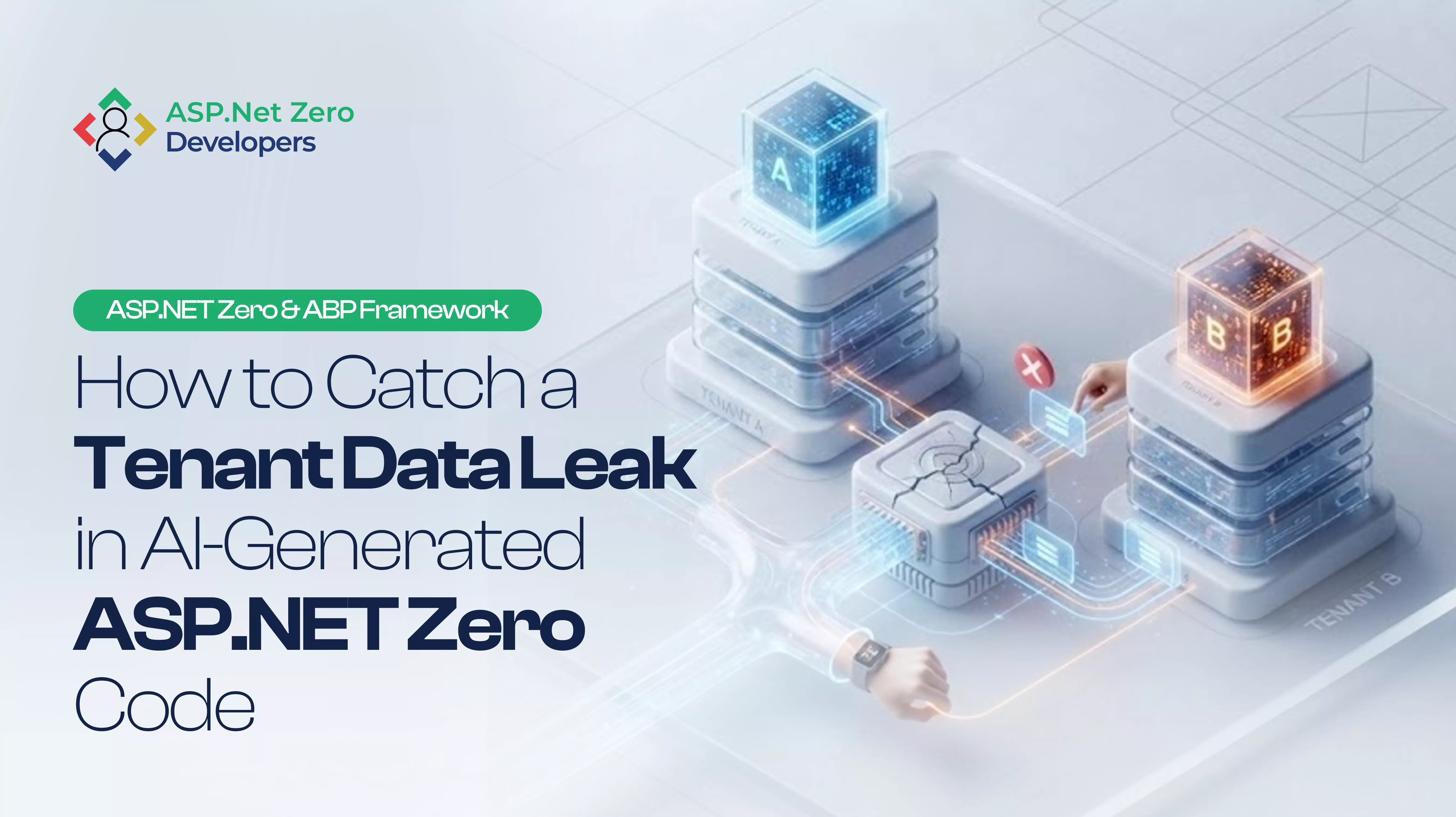
If your AI implementation bypasses repositories or performs vector database searches without tenant-aware filtering, documents from one organization may become accessible to another.
This risk becomes especially important when implementing Retrieval-Augmented Generation (RAG).
Best Practice
- Query through ABP repositories.
- Preserve the current tenant context.
- Never perform cross-tenant vector searches.
- Apply tenant filtering before embedding retrieval.
2. Respecting Authorization
Large Language Models generate text.
They should never generate permissions.
Imagine a user asking an AI assistant:
"Approve all pending invoices."
If the AI directly invokes application services without verifying permissions, it may execute operations the requesting user is not authorized to perform.
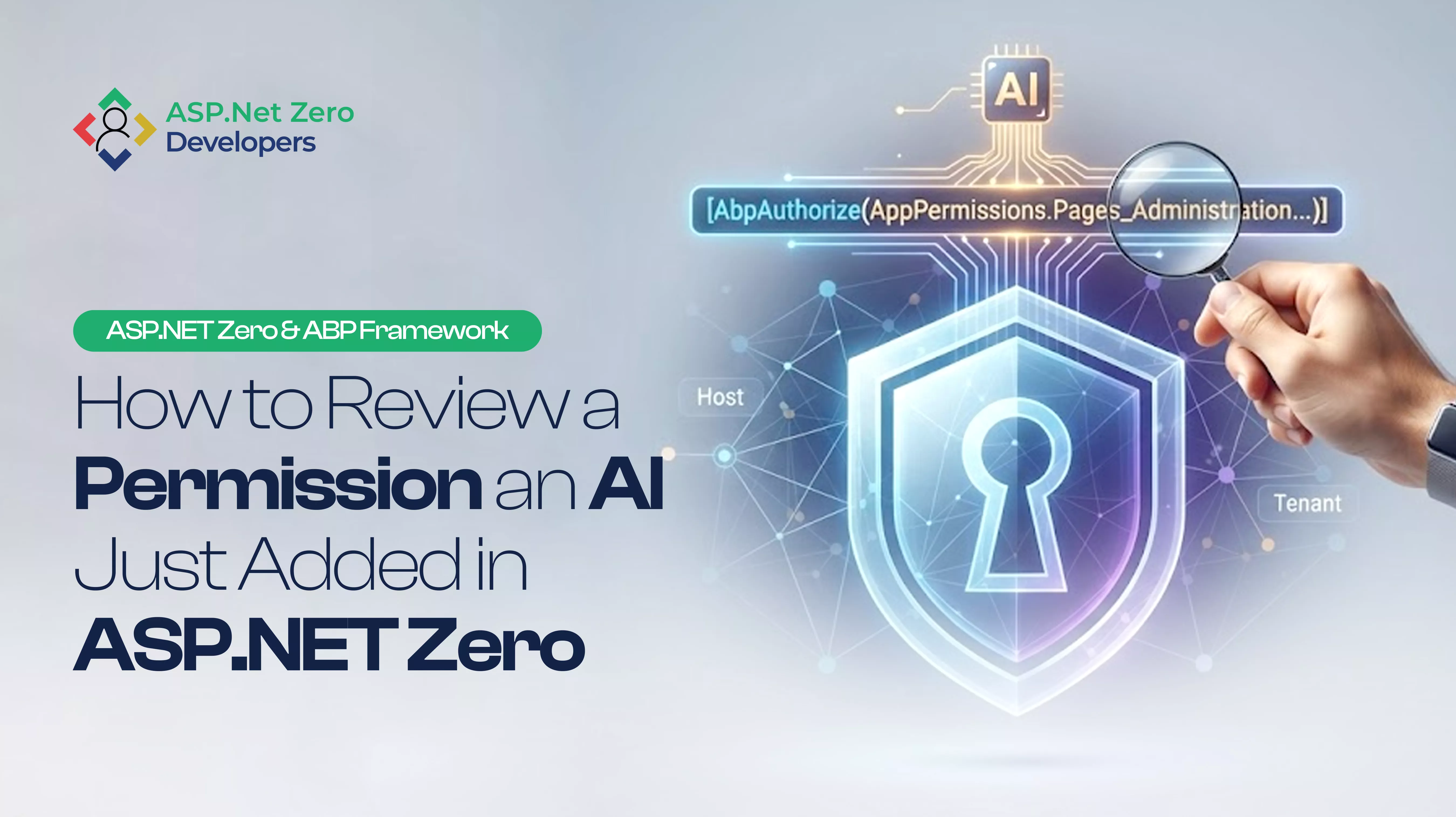
Every AI action should pass through ASP.NET Zero's authorization pipeline.
Use permission validation before allowing AI to trigger business operations.
Security rules should remain identical whether an action is initiated by a human or suggested by AI.
3. Avoiding Performance Bottlenecks
Unlike traditional CRUD operations, AI requests often require several seconds to complete.
Typical LLM response times range from two to six seconds.
Executing these operations synchronously inside MVC or API controllers blocks request threads and reduces application throughput.
As concurrent users increase, blocked requests can exhaust the IIS or Kestrel thread pool.
Instead, AI inference should be treated as an asynchronous workload.
Queue long-running operations using ABP Background Jobs and notify users once processing has completed.
Recommended Architecture
A maintainable AI implementation follows the same Clean Architecture principles already used throughout ASP.NET Zero.
- Web.Host / Web.Core: Controllers, SignalR notifications, progress updates
- Application (.Application): App Services, DTOs, Authorization, Validation
- Domain (.Core): AI abstractions, business rules, domain events
- Infrastructure (.EntityFrameworkCore): AI provider implementations, vector databases, background jobs
Separating responsibilities makes it easier to switch AI providers without affecting business logic.
Step 1: Create AI Abstractions
Define interfaces inside the .Core project. Your domain layer should describe what AI should accomplish—not which provider performs it.
public interface IAiAgentManager : IDomainService {
    Task ExecuteTaskAsync(int tenantId, string userPrompt, string taskContext);
}
Whether your application uses OpenAI, Azure OpenAI, Semantic Kernel, Microsoft Agent Framework, or another provider, only the infrastructure layer should change.
Step 2: Build a Tenant-Aware AI Service
Implement the interface inside the infrastructure layer. Inject:
- IAbpSession
- IRepository
- Unit of Work
Always execute repository queries within the tenant context.
using(CurrentUnitOfWork.SetTenantId(tenantId)) {
    var documents = await _documentRepository.GetAllListAsync();
    // Build prompt context
    // Generate embeddings
    // Execute AI request
}
By relying on ABP repositories, tenant filters continue protecting your data automatically.
Step 3: Execute AI Using Background Jobs
Long-running AI operations should never execute inside controllers. ASP.NET Zero already includes an excellent abstraction for asynchronous work through IBackgroundJobManager.
public class ProcessAiTaskJob : AsyncBackgroundJob, ITransientDependency {
    public override async Task ExecuteAsync(ProcessAiTaskArgs args) {
        await _aiAgentManager.ExecuteTaskAsync(args.TenantId, args.UserPrompt, args.TaskContext);
    }
}
Benefits include:
- Improved scalability
- Better user experience
- Automatic retries
- Lower request latency
- Reduced thread pool pressure
Enterprise AI Best Practices
Beyond the basic architecture, production AI systems should also include:
Centralized Configuration
Use ISettingManager to store:
- API Keys
- Endpoint URLs
- Model selection
- Temperature
- Token limits
- AI feature flags
This enables tenant-specific AI configuration without code changes.
Prompt Versioning
Treat prompts as version-controlled assets. Track changes, test revisions, and deploy them alongside application releases.
Monitoring and Observability
Capture metrics including:
- Response time
- Token consumption
- Model latency
- Failure rate
- Retry attempts
- Cost per request
These metrics are invaluable for performance tuning and operational visibility.
Cost Optimization
Not every task requires a premium reasoning model. Use lightweight models for:
- Classification
- Summarization
- Metadata extraction
Reserve larger models for:
- Complex reasoning
- Multi-step workflows
- Agent orchestration
A routing strategy can significantly reduce infrastructure costs.
Frequently Asked Questions
Can I integrate AI into older ASP.NET Zero projects?
Yes. Applications running on .NET Core 3.1, .NET 6, or newer can integrate modern AI SDKs using dependency injection without requiring a complete platform migration.
How should tenant-specific AI settings be managed?
Use ASP.NET Zero's built-in Setting Management system. Tenant administrators can configure provider credentials, AI models, temperature settings, and feature toggles independently.
Can ASP.NET Zero work with Microsoft Agent Framework?
Yes. Modern ABP Framework applications can integrate Microsoft's Agent Framework and other orchestration libraries while continuing to use dependency injection, logging, configuration, and modular architecture.
Can I implement Retrieval-Augmented Generation (RAG) in ASP.NET Zero?
Absolutely. The recommended approach is to combine:
- Entity Framework repositories
- Tenant-aware document retrieval
- Vector databases
- Background processing
- AI provider abstractions
This ensures knowledge retrieval remains secure and tenant-isolated.
Final Thoughts
Adding AI to an ASP.NET Zero application is not about inserting an API call into a controller. It's about designing an architecture that remains secure, scalable, maintainable, and tenant-aware as your application evolves.
By leveraging ASP.NET Zero's built-in strengths—including multi-tenancy, authorization, dependency injection, background jobs, and modular architecture—you can build AI-native enterprise applications without compromising code quality or security.
Organizations that approach AI as an architectural capability rather than a standalone feature will be better positioned to build reliable, scalable, and future-ready software.
Need Expert ASP.NET Zero Development Support?
Whether you're planning an AI-powered enterprise application, modernizing an existing ASP.NET Zero solution, or implementing intelligent workflows with ABP Framework, our experienced .NET architects can help you design scalable, secure, and production-ready solutions. Contact our ASP.NET Zero development specialists to discuss your next AI initiative and discover how enterprise-grade architecture can accelerate your digital transformation.