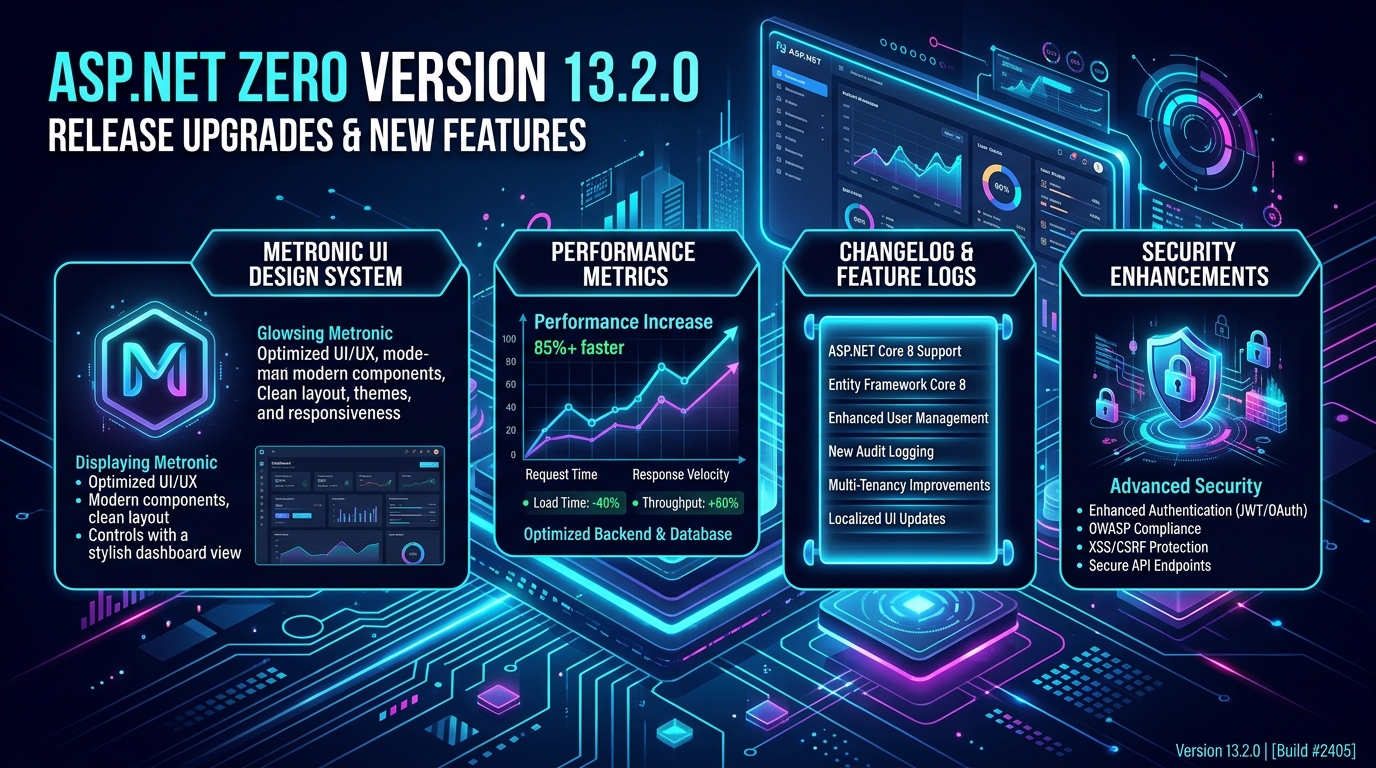
ASP.NET Zero stands out as a robust and versatile solution for building modern applications. With each new release, it brings a plethora of enhancements, bug fixes, and cutting-edge features to empower developers and streamline their workflow. The recent launch of ASP.NET Zero 13.2.0 on May 14, 2024, is no exception, as it introduces several exciting updates that promise to elevate the development experience to new heights.
Key Highlights:
- Passwordless Login: Enhance security with a one-time code via email or SMS for authentication.
- Custom Menu Positions in Power Tools: Flexibly position menu items beyond the default root and administration positions.
- Master-Detail Upgrades: Improved error handling, multi-lingual support, and Excel integration for master-detail pages.
- Upgraded Libraries: datatables.net upgraded to 2.0.1 for better performance.
- ABP 9.2: Integration with the latest ABP framework version.
Passwordless Login: Elevating Security Standards
One of the standout features of ASP.NET Zero 13.2.0 is the introduction of a Passwordless Login, designed to bolster security measures significantly. This functionality enables users to authenticate themselves via a one-time code delivered either through email or SMS. By eliminating the need for traditional passwords, ASP.NET Zero enhances security while simultaneously enhancing user convenience.
Custom Menu Positions in Power Tools: Empowering Flexibility
Another noteworthy enhancement in ASP.NET Zero 13.2.0 is the introduction of Custom Menu Positions in Power Tools. This feature allows developers to position menu items beyond the default root and administration positions, allowing for a more tailored and intuitive navigation experience.
Master-Detail Upgrades: Enhancing Functionality
ASP.NET Zero 13.2.0 brings significant upgrades to Master-Detail functionality, ensuring smoother operations and enhanced usability. Improvements include enhanced error-handling mechanisms, robust multi-lingual support, and seamless Excel integration for master-detail pages. These upgrades contribute to a more refined and efficient data management experience for developers and end-users alike.
Upgraded Libraries: Optimizing Performance
Continuing its commitment to performance excellence, ASP.NET Zero 13.2.0 incorporates upgrades to key libraries, including the migration to datatables.net version 2.0.1. This upgrade brings about improved performance metrics, ensuring smoother data handling and enhanced user experiences across the board.
Integration with ABP 9.2: Staying Ahead of the Curve
Lastly, ASP.NET Zero 13.2.0 integrates with the latest version of the ABP framework, version 9.2. This integration ensures compatibility with the latest features and enhancements offered by the ABP framework, enabling developers to leverage cutting-edge functionalities and stay ahead of the curve in web application development.
Features and Enhancements:
Enhanced Blazor Support:
- What? Blazor, Microsoft's framework for interactive web UIs using C# instead of JavaScript, gets a boost.
- Why? Developers can now build rich client-side apps with improved Blazor templates and components.
- How? Simplifying the process for C# enthusiasts on both client and server sides.
.NET 7 Compatibility:
- What? ASP.NET Zero 13.2.0 seamlessly integrates with .NET 7, Microsoft's latest framework.
- Why? Developers access the newest features, performance boosts, and security updates.
- How? Ensuring stability and reliability for long-term application development.
Improved User Interface:
- What? User experience gets a facelift with significant UI improvements.
- Why? Updated themes and styles offer a modern look, enhancing application aesthetics.
- How? Ensuring consistent performance across various devices for engaging user experiences.
Enhanced Security Features:
- What? ASP.NET Zero 13.2.0 beefs up security with advanced features.
- Why? Multi-factor authentication (MFA), stronger passwords, and better logging protect user data.
- How? Providing developers with robust tools to build secure applications.
Performance Optimizations:
- What? The performance takes the spotlight with numerous optimizations.
- Why? Faster load times and responsive interfaces enhance user satisfaction.
- How? Improving underlying architecture, database queries, and API endpoints for smoother operation.
Updated Documentation and Samples:
- What? ASP.NET Zero 13.2.0 offers updated guides and sample projects.
- Why? Developers can quickly adapt to new features and changes.
- How? Simplifying the learning curve for seamless integration into projects.
Notable Bug Fixes
Authentication and Authorization:
- What Was Wrong? Authentication and authorization bugs caused intermittent failures during token generation and validation.
- What's Fixed? These issues are now resolved, ensuring a stable and secure authentication process for users.
UI and Theming:
- What Was Wrong? Certain themes led to layout issues on mobile devices, disrupting user experience.
- What's Fixed? Bugs causing these layout disruptions are squashed, ensuring consistent and responsive designs across all devices.
Performance Issues:
- What Was Wrong? Slow database queries and API response times plagued application performance.
- What's Fixed? Performance-related bugs are fixed, contributing to overall efficiency improvements for applications.
Compatibility Bugs:
- What Was Wrong? Compatibility issues with third-party libraries and plugins hindered seamless integration.
- What's Fixed? These bugs are now addressed, allowing developers to integrate preferred tools and libraries without conflicts.
Conclusion
ASP.NET Zero 13.2.0 continues to elevate the standard for web application development with its latest updates, bug fixes, and version upgrades. From streamlining authentication with Passwordless Login to boosting developer productivity with Power Tools improvements, this release introduces a wealth of features aimed at enhancing both user experience and developer efficiency. ASP.NET Zero remains the preferred choice for developers in search of a comprehensive and feature-rich framework for crafting modern web applications. With ASP.NET Zero, you have the power to unleash your creativity and create exceptional web experiences. Read the other article Best Practices for ASP.NET Zero Development.